How simulation tools are becoming the new engineering lab for students without access to expensive hardware
Simulation
08 / 15 / 2026
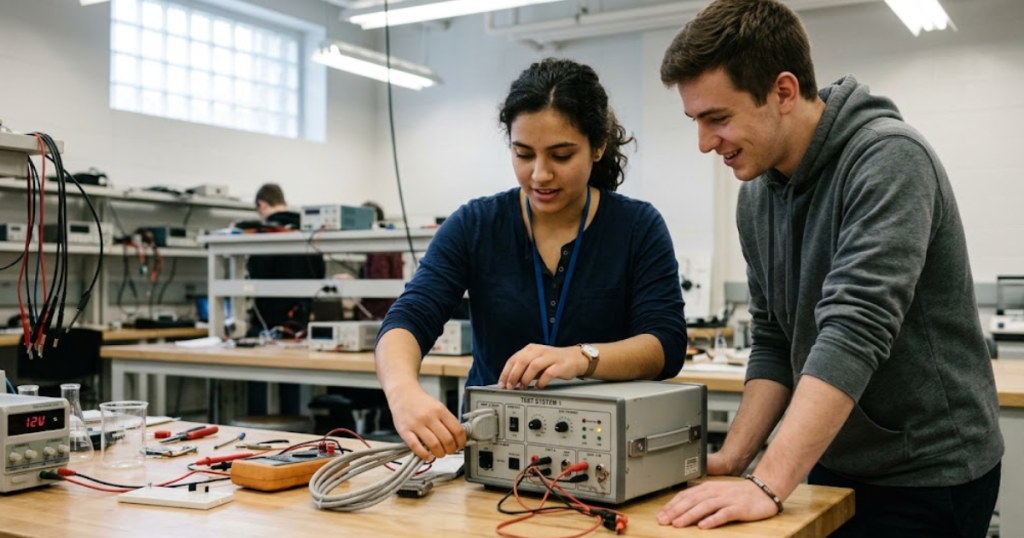
Key Takeaways
- Simulation can serve as working lab space when students still test closed-loop control, wire inputs and outputs, and diagnose faults.
- Affordable HIL teaching starts with one bounded use case, quick setup, and course material that keeps class time focused on engineering work.
- Entry level systems matter most when they support a clear path from first-year labs to later projects without forcing a full lab rebuild.
Simulation tools now give students a practical way to start hardware development without waiting for a fully equipped lab.
That shift matters because first-year courses need access, repetition, and safe failure more than they need rows of costly benches. More than 140,000 engineering bachelor’s degrees were awarded in the United States in 2022, which means more students are competing for limited equipment time. A simulator and control target can place the same closed-loop ideas in front of more students on day 1. Good teaching labs use simulation as working lab space tied directly to hardware practice. Students still wire signals, tune controllers, watch faults appear, and fix their own mistakes. The best entry point is a small HIL starter kit that keeps setup short, course goals clear, and hardware costs within reach of an academic budget.
Simulation gives smaller labs a path into hardware development

Simulation gives smaller labs a path into hardware development because it moves first tests from scarce equipment to repeatable closed-loop models. You still teach signal flow, controller timing, and fault response. Students get bench practice sooner. Staff spend less time protecting costly gear.
A first-year controls class shows the value quickly. Students can connect a controller to a simulated motor, adjust gains, and see overshoot on the screen before they ever touch a power stage. That setup teaches cause and effect without waiting for a lab slot, a wiring rebuild, or a replacement part after a blown fuse.
The bigger gain is consistency. Every student group can start from the same plant model, the same fault cases, and the same timing limits, so grading stays tied to engineering work rather than to luck with lab access. You’re giving students a place to practise hardware development habits early, and those habits stay useful when physical equipment arrives later in the programme.
“Simulation gives smaller labs a path into hardware development because it moves first tests from scarce equipment to repeatable closed-loop models.”
Hardware in the loop stayed out of most classrooms
Hardware in the loop stayed out of most classrooms because the full setup asked for too much at once. You needed power hardware, protection, space, staff time, and enough confidence to recover from student mistakes. That combination pushed HIL into senior projects and research groups. First-year teaching labs rarely had room for it.
A traditional bench for motor drives or power electronics can require a controller, power supply, load, measurement gear, safety interlocks, and clear supervision rules before the first lab starts. One broken cable or a poor parameter choice can stop the whole section. Faculty know that risk, so they often keep introductory classes on paper or in open-loop software exercises.
Budget pressure makes the problem sharper. Average expenditure per full-time tertiary student across OECD countries was US$20,499 in 2021, and that figure must cover staff, facilities, student services, and research before a department adds specialized lab hardware. When a lab plan starts with a long shopping list and a long safety review, access shrinks fast.
How to start hardware in the loop testing affordably
Affordable hardware in the loop testing starts with a narrow teaching goal and a small closed-loop setup. You don’t need a full bench to teach timing, I/O, tuning, and fault handling. You need one plant model that behaves well in class. You need a workflow students can repeat without staff rescue.
A good starting plan stays small and disciplined. That keeps the first course focused on learning signals and control logic instead of managing lab complexity.
- Start with one controller and one simulated plant.
- Choose low-risk I/O that students can wire quickly.
- Use prepared lab files that reset to a known state.
- Limit the first exercises to faults students can diagnose.
- Keep the whole setup portable enough for shared classrooms.
A motor speed loop is a solid first project because students can see setpoint tracking, saturation, and instability within minutes. An inverter control lab also works when the power stage stays simulated and the controller stays physical. That sequencing matters because you’ll spend money on the pieces students touch most, then add complexity only after the teaching routine is stable.
What the OPAL-RT HIL Starter Kit includes
The HIL Starter Kit is a compact teaching package that combines a simulator, a control prototype, and guided course material so students can run closed-loop tests without building a lab from scratch. It answers the first budget question and the first setup question at the same time. That makes it a practical entry point for academic labs.
The package matters because hardware development in class usually fails at the handoff between software, hardware, and instruction time. A simulator alone still leaves you writing exercises, setting up interfaces, and planning recovery steps after each lab section. A controller alone still leaves students without a safe plant to test against. Courseware closes that gap and keeps teaching objectives visible.
A typical lesson can ask students to load a plant model, connect a controller, tune gains, and observe how the loop responds to a disturbance. That workflow feels concrete because students are still dealing with inputs, outputs, timing, and failure cases. You’re giving them hardware in the loop practice, only with fewer moving parts and fewer reasons for the lab to stall.
An entry level HIL system must fit class time
An entry level HIL system must fit class time because a good teaching tool loses value when setup eats the lab. Students need to power up, connect signals, run a test, and reset for the next group within one session. If that cycle breaks, the lesson turns into waiting. Good pedagogy depends on short, repeatable lab turns.
A two-hour lab leaves little room for hidden friction. One class might spend twenty minutes finding cable mappings, while another loses time rebuilding a project after a bad parameter entry. Systems built for teaching keep those common failures visible and recoverable. That keeps attention on control behaviour instead of troubleshooting mysteries.
| What students need during class | Why it matters in a teaching lab |
| A setup that powers on quickly | Short startup time gives students more minutes for testing and discussion. |
| Clear I/O connections | Simple wiring lowers the chance that a lab section stalls on preventable mistakes. |
| A known reset state | Each group can begin from the same conditions and compare results fairly. |
| Visible signals and timing | Students understand control behaviour faster when they can see cause and effect directly. |
| Exercises tied to course outcomes | Faculty can spend time teaching engineering judgment instead of writing basic lab scaffolding. |
A teaching lab on battery charging control shows the point. Students can adjust current limits, inject a disturbance, and record system response in one sitting when the platform is ready to run. They won’t remember the box you used. They will remember that they could test an idea, see the result, and try again before class ended.
Students learn faster when simulation closes the control loop
Students learn faster when simulation closes the control loop because action and response sit in the same exercise. A parameter change creates an immediate system reaction. A poor tuning choice has consequences that students can inspect. That short feedback cycle builds judgment far better than a worksheet or a static model.
A speed control lab makes this easy to see. One student raises proportional gain and gets better tracking, then adds too much and watches oscillation appear. Another introduces sensor noise and has to choose between filtering and slower response. Those are small decisions, yet they feel concrete because the controller is acting on a plant rather than on a graph with no loop closure.
Learning also improves because failure stays affordable. Students can trigger overcurrent logic, unstable gains, or sign errors without damaging a bench. That freedom matters in first-year teaching because students aren’t just collecting results. They’re learning how hardware development works when assumptions meet signal timing, model limits, and imperfect settings.
Common lab choices that raise cost before learning starts
Common lab choices raise cost before learning starts when departments buy for peak complexity instead of first use. Large benches, custom integrations, and advanced power hardware sound ambitious, but they slow teaching and strain support. Students need a clear loop to test first. Expansion only helps after the first workflow is dependable.
One common mistake is starting with too many subsystems. A lab that mixes plant modelling, network setup, custom driver code, and protection logic in week 1 gives students too many ways to get lost. Another mistake is chasing hardware fidelity before teaching fundamentals. A simpler plant with visible signals teaches more in an introductory class than a high-detail setup that only staff can operate confidently.
Procurement choices matter too. Separate purchases for controllers, interfaces, course material, and test files can look flexible on paper, yet they often create hidden labour for faculty and lab technologists. You’ll feel that cost every semester when each section needs manual fixes. Good teaching hardware development starts with fewer dependencies, fewer surprises, and a shorter path from power-on to first result.
A starter kit should support growth after first projects
A starter kit should support growth after first projects because introductory success only matters when students can build on it later. The same platform should carry a class from basic control labs to capstone prototypes with more models, more I/O, and tighter timing needs. Growth should feel like a clear extension of the same workflow.
A student who starts with motor control in year 1 should be able to return later for power electronics, microgrid control, or embedded testing without relearning the whole lab stack. That continuity saves faculty time and gives students a stronger sense of engineering practice. OPAL-RT fits that pattern when a lab needs a single teaching path from entry level HIL work to more advanced closed-loop validation.
The best judgment is simple. If a lab can put safe, repeatable, hardware-linked testing in front of beginners, hardware development stops being reserved for the best funded room on campus. A starter package works when it lowers cost and setup without lowering the quality of engineering work students are asked to do. That is what puts HIL where it belongs: early, often, and within reach.
“If a lab can put safe, repeatable, hardware-linked testing in front of beginners, hardware development stops being reserved for the best funded room on campus.”
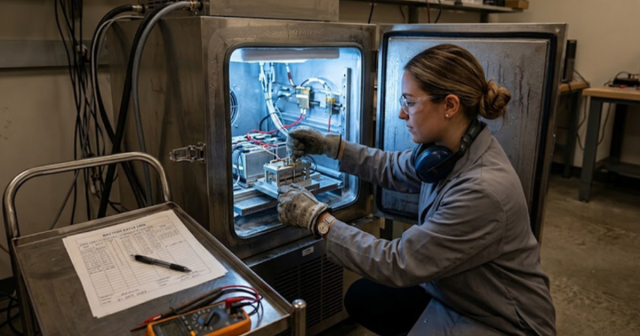
Energy
09 / 21 / 2026
Battery modeling approaches for EV and grid storage validation
An overview of equivalent circuit and electrochemical battery modelling approaches and how fidelity, ageing and thermal coupling shape EV and grid storage validation.
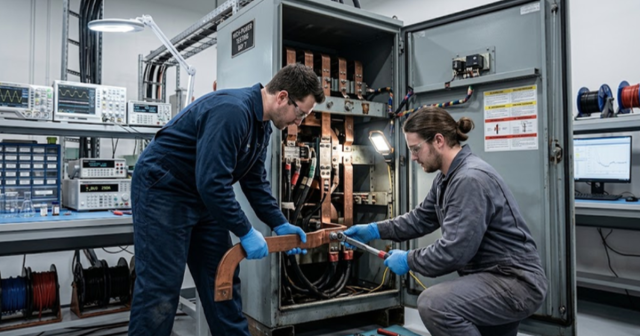
Microgrid
09 / 19 / 2026
Hybrid AC-DC microgrid emulation with power hardware-in-the-loop
An examination of how hybrid AC-DC microgrid stability is set at the interlinking converter and why power hardware in the loop is required to test that boundary at full power.

Power Electronics
09 / 17 / 2026
BLDC motor control fundamentals with simulation examples
A technical primer on six step BLDC commutation, Hall sensor and sensorless back EMF position sensing, torque ripple at each switching instant, and the simulation exercises a teaching lab can run.